- Vibe coding
- Dashboards
- Claude Code
- Data visualisation
Global activation dashboard for home environment appliances
Dreame · 2026 – Present
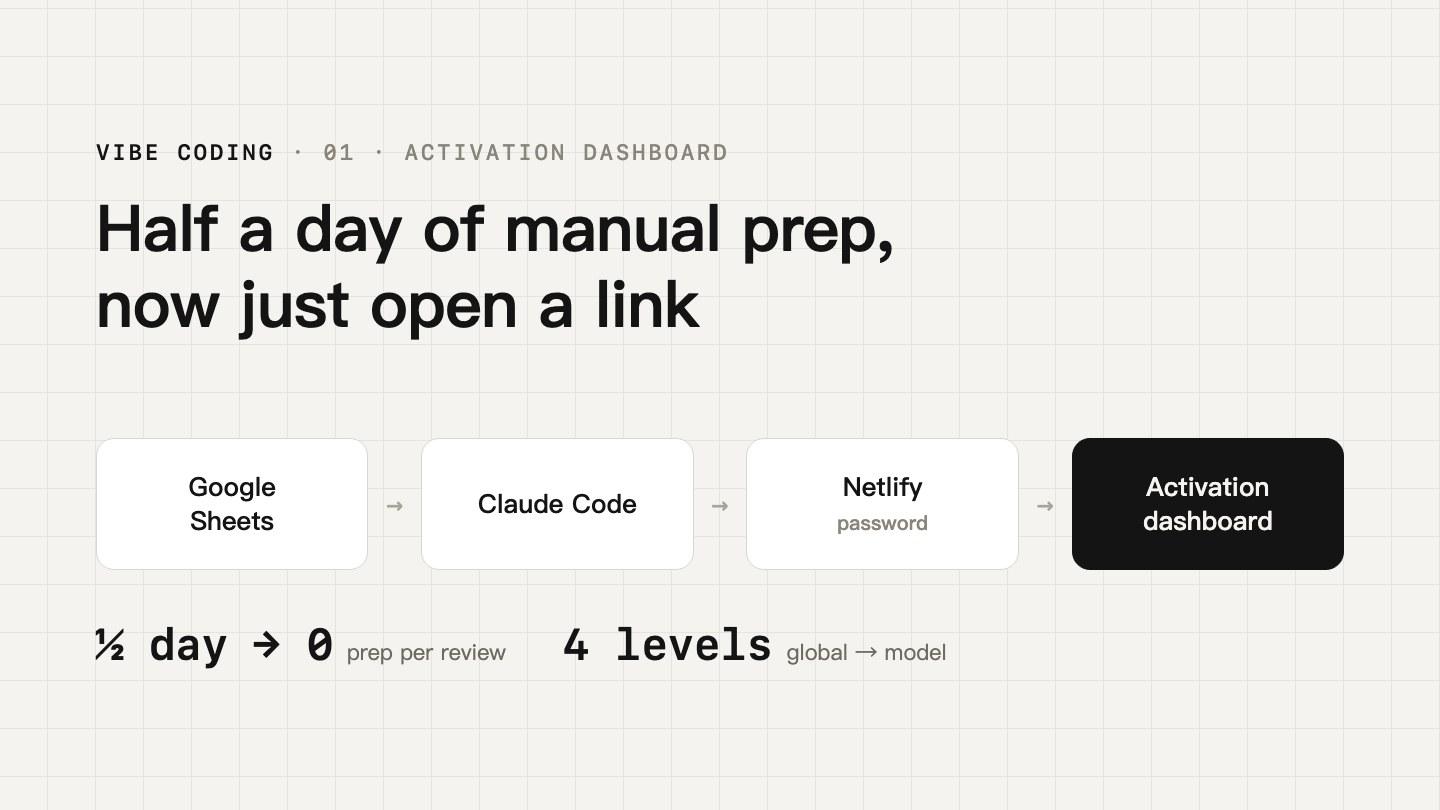
Every month's activations lived in a spreadsheet, yet nobody could see the trend at a glance. So I turned it into a dashboard you just open and read.
- Company
- Dreame
- My role
- Solo: metrics, build, deployment
- Tools
- Claude Code · Google Sheets · Netlify
- Coverage
- 7 international regions · by country and SKU
- Access
- Internal only · password protected
01Context & challenge
Activations for home environment appliances are logged in a shared spreadsheet, row by row by country, model and month. Every review meant filtering, pivoting and charting by hand, and different people got different numbers. A regional lead who wanted to know whether their region was up or down, which model drove it and which country lagged usually had to wait for another Excel file.
The question: how do we get everyone looking at the same, up-to-date data, with trends visible at a glance?
02My role
I took it from need to launch on my own:
- Agreed the metrics and definitions with the business: total activations, month-on-month, cumulative, region and country ranking, SKU mix
- Built the front end with Claude Code, reading Google Sheets directly with no export step
- Deployed it on Netlify behind a password so it stays internal
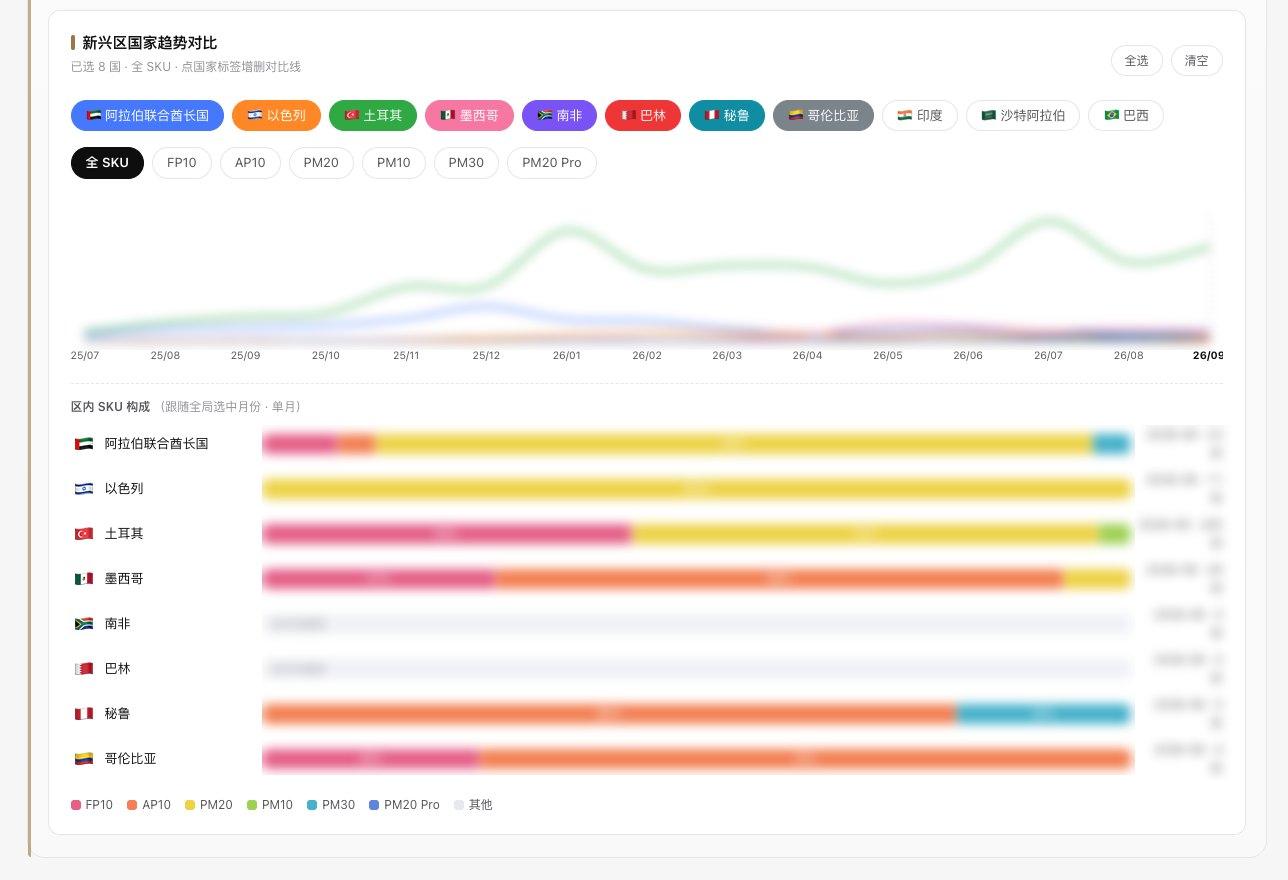
- Iterated on feedback: linked month selection, multi-country comparison, per-model market share
03Approach
Data: the spreadsheet is the source
Colleagues keep updating Google Sheets as before; the dashboard reads the latest data each time it is opened or refreshed. No new habits, no database, no export routine.
Metrics: from global to a single point
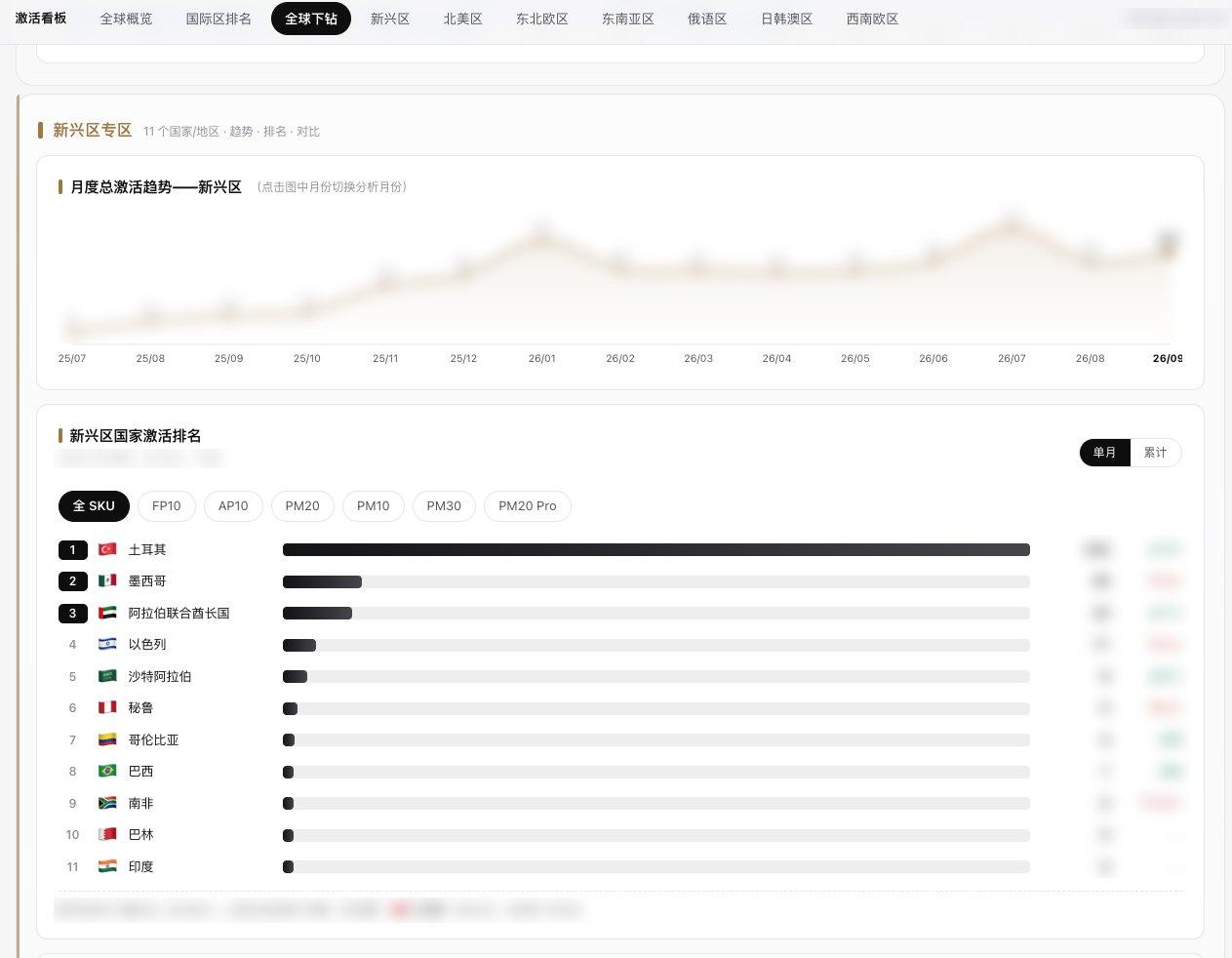
Global overview (total, month-on-month, cumulative, countries covered) → seven-region ranking → top 20 countries → one model's global share in one country.
Interaction: click to explore
Click the trend chart to change month across the page; filter by SKU, monthly or cumulative; add or remove lines to compare countries and regions side by side.
Publishing: one fixed link
Deployed on Netlify so everyone opens the same link and sees the same numbers, with a password to keep it internal.
04Outcome
- Data prep before each review
- ½ day → 0
- Regional leads check their own region
- Anytime
- Everyone sees the same data
- 1 link
Since launch, activation data went from half a day of preparation before every review to simply opening a link. What it does for the business:
- Monthly reviews: filtering, pivoting, charting and sending used to take about half a day each time; now the team discusses straight from the dashboard, that half day is saved, and everyone works from the same numbers
- Regional self-service: no more waiting for an Excel file; regional leads open it any time to see their trend, country ranking and SKU mix, so issues surface earlier
- Regional strategy: continuous monthly trends and shifts in SKU mix help decide which countries and models deserve more resources and stock
Dashboard views
Internal dashboard · figures blurred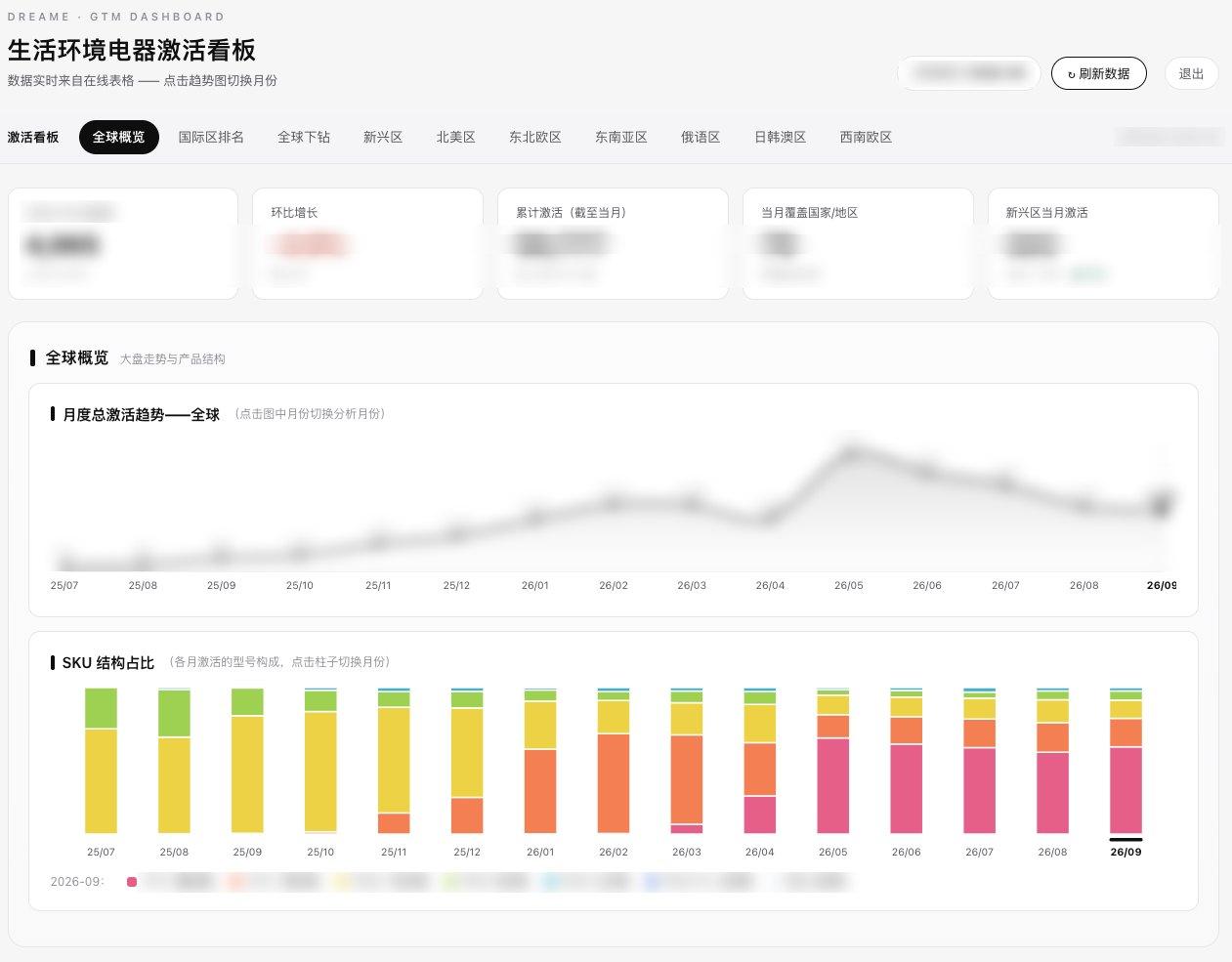
More projects
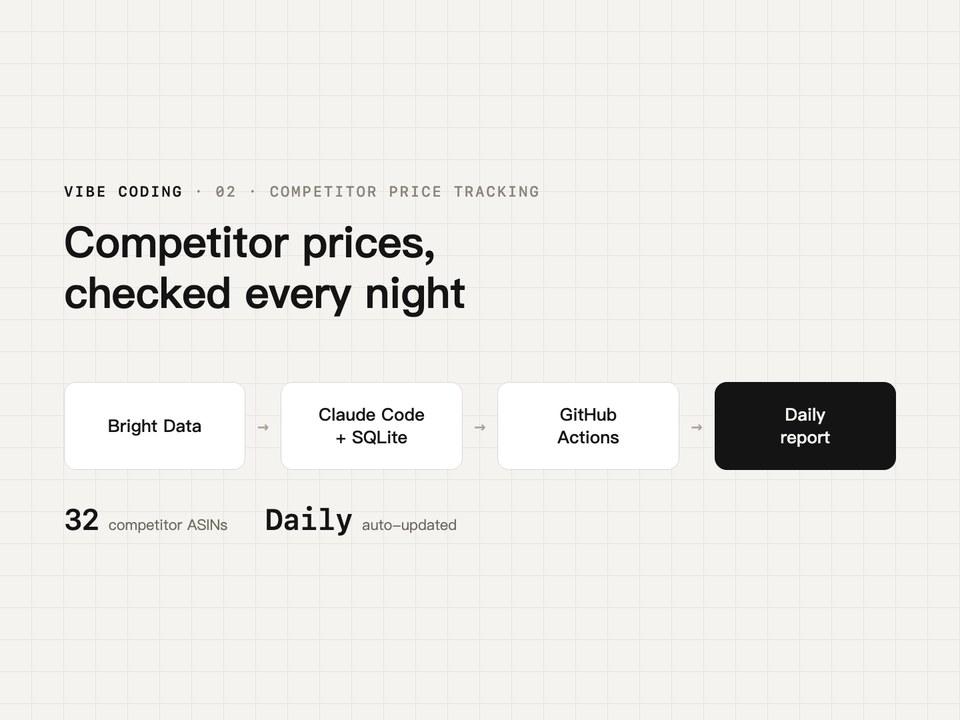 06
06Competitor price tracking on Amazon Mexico
Dreame/2026 – Present
- Vibe coding
- Price tracking
- Automation
- Claude Code
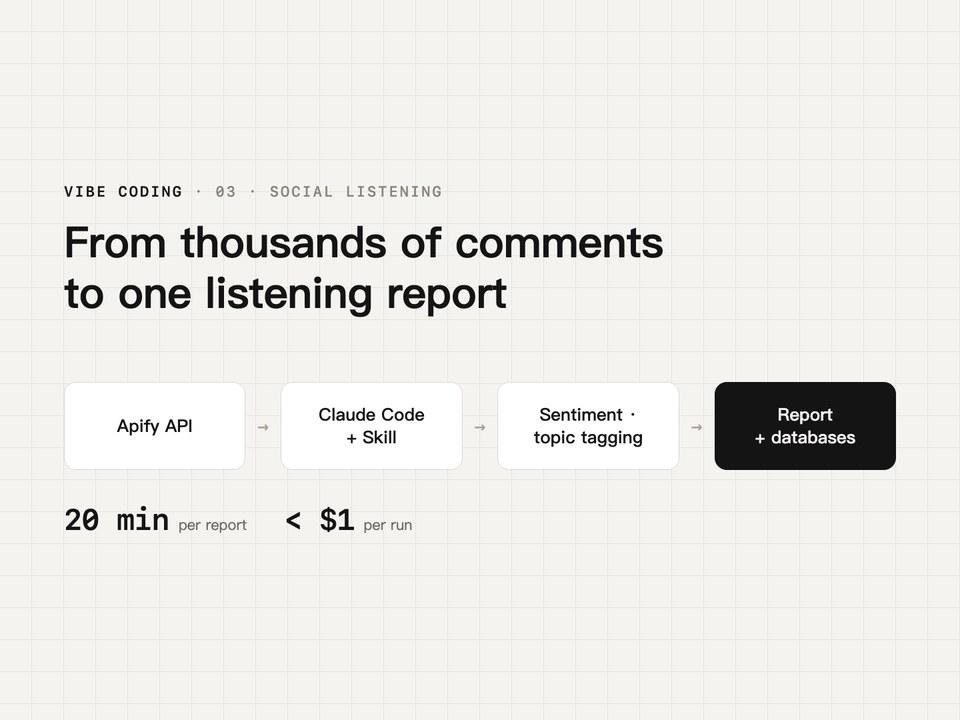 07
07Competitor social listening: from scraping to report
Dreame/2026
- Vibe coding
- Social listening
- Claude Code
- Skill
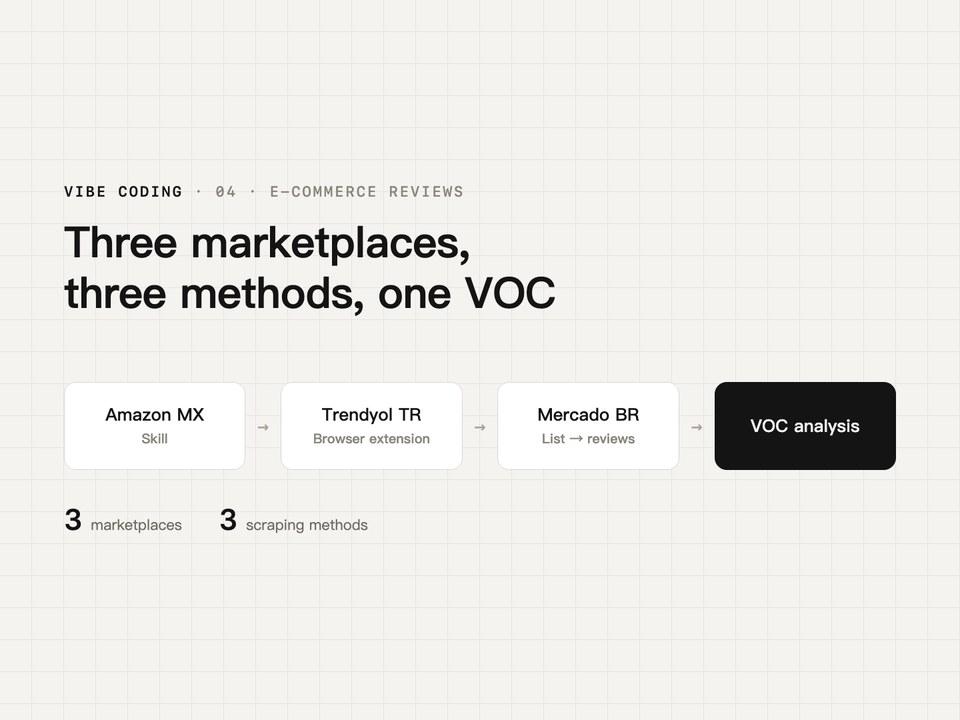 08
08Cross-marketplace review collection and VOC
Dreame/2026
- Vibe coding
- VOC
- Reviews
- Claude Code